


































Η τεχνητή νοημοσύνη δημιουργεί αυτόματα χάρτες και περιβάλλοντα παιχνιδιών
Η τεχνητή νοημοσύνη όχι μόνο εξοικονομεί χρόνο ανάπτυξης αλλά φέρνει και άπειρους μοναδικούς, δημιουργικούς και λεπτομερείς εικονικούς κόσμους — ανοίγοντας το δρόμο για ένα μέλλον όπου οι χάρτες και τα περιβάλλοντα παιχνιδιών είναι πλήρως αυτοματοποιημένα.
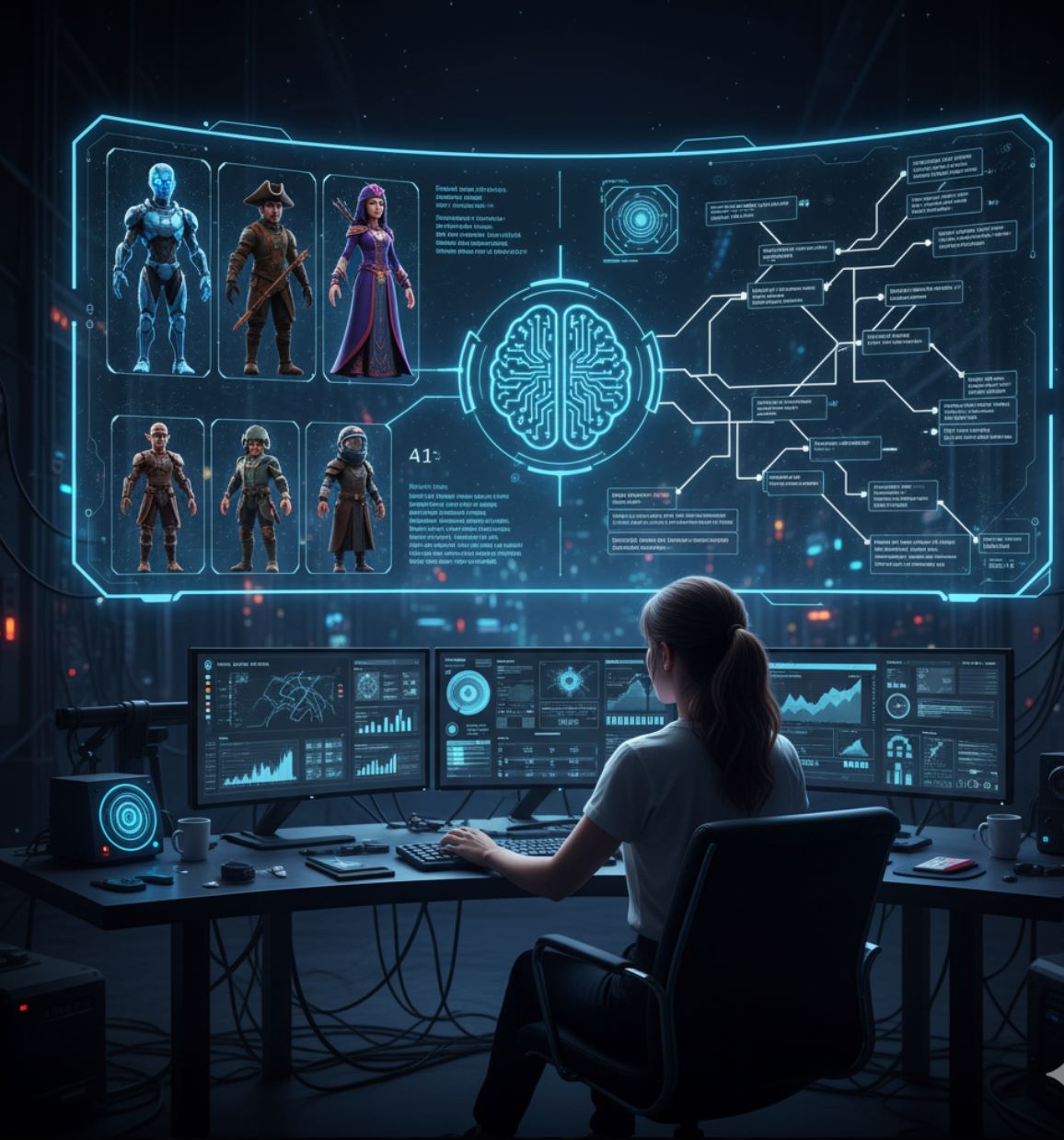
Η τεχνητή νοημοσύνη φέρνει επανάσταση στον τρόπο που οι προγραμματιστές παιχνιδιών δημιουργούν χάρτες και περιβάλλοντα. Τα σύγχρονα εργαλεία AI μπορούν να δημιουργήσουν αυτόματα λεπτομερείς κόσμους παιχνιδιών που παλαιότερα απαιτούσαν ώρες σχεδιασμού από ομάδες.
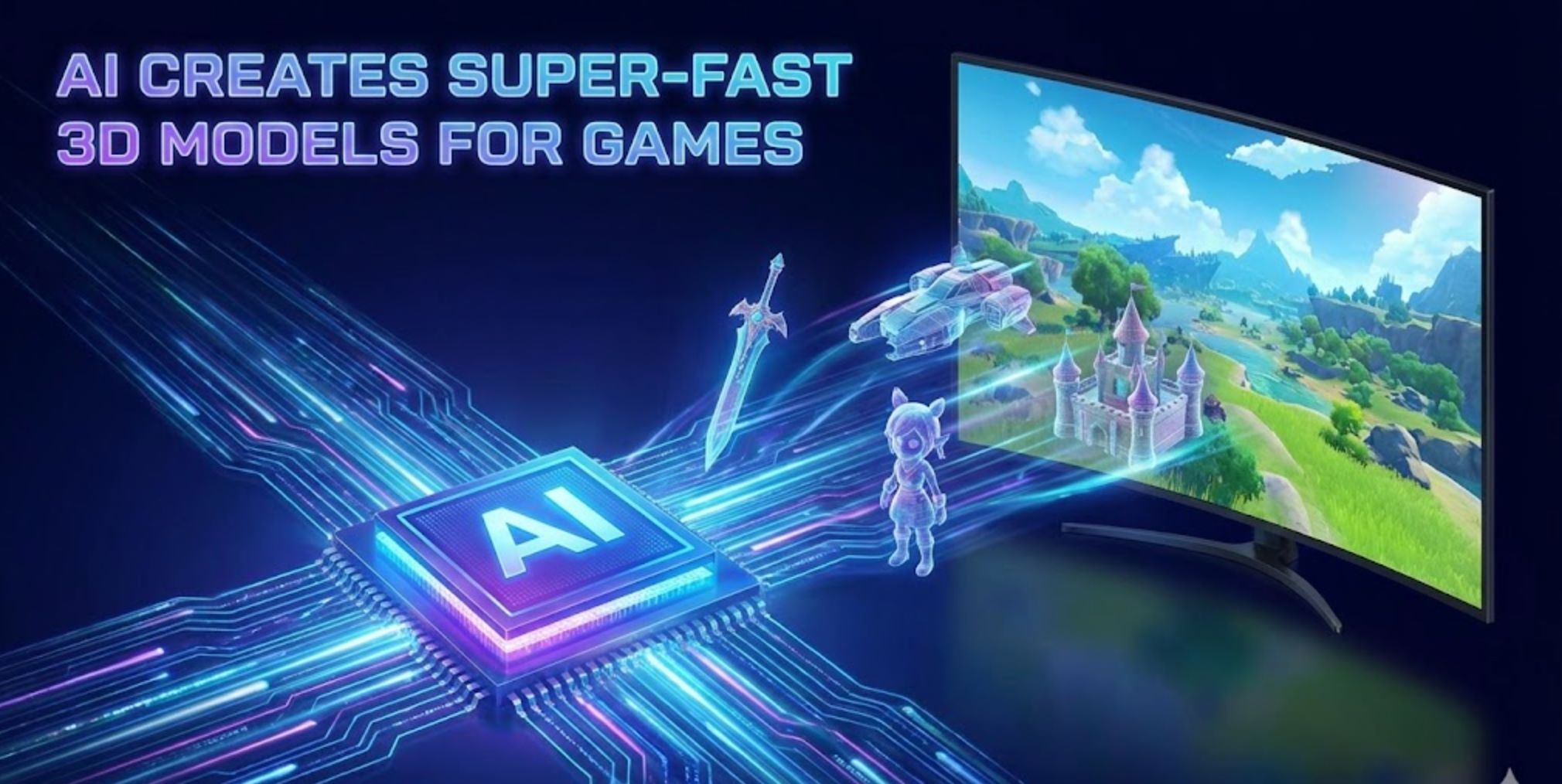
Αντί να κατασκευάζουν χειροκίνητα κάθε πλακίδιο ή μοντέλο, οι προγραμματιστές μπορούν να εισάγουν γενικές εντολές ή δεδομένα και να αφήσουν την AI να συμπληρώσει τα υπόλοιπα. Για παράδειγμα, το νέο μοντέλο "Genie 3" της Google DeepMind μπορεί να πάρει μια περιγραφή κειμένου (όπως "ομιχλώδες ορεινό χωριό στην ανατολή") και να παράγει αμέσως έναν πλήρως πλοηγήσιμο τρισδιάστατο κόσμο.
Οι ειδικοί του κλάδου σημειώνουν ότι εργαλεία όπως το Recraft επιτρέπουν πλέον τη δημιουργία ολόκληρων περιβαλλόντων παιχνιδιών (υφές, sprites, διατάξεις επιπέδων) από απλές εντολές κειμένου. Αυτός ο συνδυασμός AI με παραδοσιακές διαδικαστικές μεθόδους επιταχύνει σημαντικά την ανάπτυξη και ανοίγει ατελείωτες δημιουργικές δυνατότητες.
Παραδοσιακή έναντι AI-Βασισμένης Δημιουργίας Χαρτών
Διαδικαστική Δημιουργία (PCG)
Παλαιότερα παιχνίδια χρησιμοποιούν αλγοριθμικές μεθόδους όπως ο θόρυβος Perlin για το έδαφος ή κανόνες τοποθέτησης πλακιδίων για τη δημιουργία επιπέδων και χαρτών.
- Υποστηρίζει τεράστιους τυχαίους κόσμους (Diablo, No Man's Sky)
- Μειώνει σημαντικά την χειρονακτική εργασία
- Παρέχει "άπειρο περιεχόμενο με δυναμική δημιουργία επιπέδων"
- Μπορεί να παράγει επαναλαμβανόμενα μοτίβα
- Απαιτεί εκτενή ρύθμιση παραμέτρων
Δημιουργία με Μηχανική Μάθηση
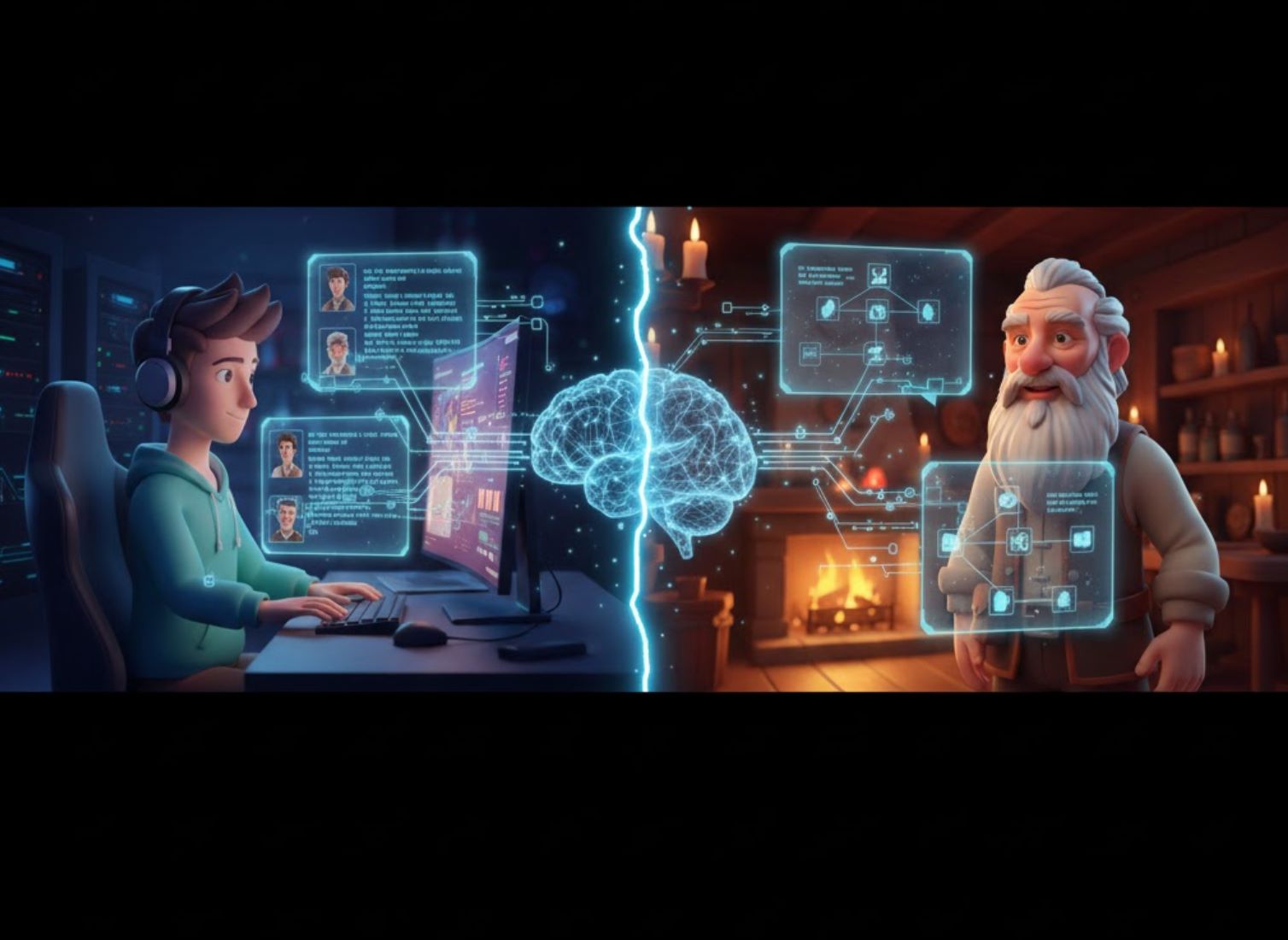
Γενετικά μοντέλα (GANs, δίκτυα διάχυσης, "μοντέλα κόσμου" transformer) μαθαίνουν από πραγματικά παραδείγματα ή δεδομένα παιχνιδιού.
- Παράγει πιο ποικίλα και ρεαλιστικά περιβάλλοντα
- Ακολουθεί δημιουργικές εντολές κειμένου
- Καταγράφει σύνθετα χωρικά μοτίβα
- Δημιουργεί αντικείμενα μέσω απλών εντολών
- Μιμείται στυλ και θέματα που έχει μάθει

- 1. Παραδοσιακή έναντι AI-Βασισμένης Δημιουργίας Χαρτών
- 2. Τεχνικές Γενετικής Τεχνητής Νοημοσύνης
- 3. Κορυφαία Εργαλεία AI για Δημιουργία Περιβάλλοντος Παιχνιδιών
- 4. Κύρια Οφέλη και Εφαρμογές
- 5. Προκλήσεις και Μελλοντικές Κατευθύνσεις
- 6. Συμπέρασμα: Το Μέλλον των Κόσμων Παιχνιδιών που Δημιουργούνται από AI
Τεχνικές Γενετικής Τεχνητής Νοημοσύνης
Η AI χρησιμοποιεί πολλές προηγμένες τεχνικές για τη δημιουργία περιβαλλόντων παιχνιδιών, καθεμία με μοναδικά πλεονεκτήματα:
GANs (Γενετικά Αντιπαραθετικά Δίκτυα)
Νευρωνικά δίκτυα εκπαιδευμένα σε συλλογές χαρτών ή εικόνων εδάφους που δημιουργούν νέους χάρτες με ρεαλιστικά χαρακτηριστικά μαθαίνοντας στατιστικά δεδομένα.
- GANs με αυτο-προσοχή βελτιώνουν τη συνοχή επιπέδων
- Καταγράφουν μακροχρόνια μοτίβα σε 2D επίπεδα
- Δημιουργούν σύνθετα στάδια πλατφόρμας
- Παράγουν πιθανό 3D έδαφος από παραδείγματα
Μοντέλα Διάχυσης
Συστήματα AI όπως το Stable Diffusion που βελτιώνουν σταδιακά τον τυχαίο θόρυβο σε δομημένες εικόνες και περιβάλλοντα.
- Δημιουργία με βάση κείμενο από εντολές
- Μετατροπή θορύβου σε λεπτομερή τοπία
- 3D διάχυση για αντικείμενα και σκηνές παιχνιδιών
- Πλούσιες υφές και γεωμετρία εξόδου
Transformer Μοντέλα Κόσμου
Μεγάλα transformer-based AI που δημιουργούν ολόκληρους διαδραστικούς κόσμους, όπως το Genie 3 της DeepMind.
- Ερμηνεύουν εντολές κειμένου σε πραγματικό χρόνο
- Απεικονίζουν συνεπή 3D περιβάλλοντα
- Κατανοούν χωρική λογική παιχνιδιού
- Λειτουργούν ως αυτόματοι σχεδιαστές επιπέδων

Κορυφαία Εργαλεία AI για Δημιουργία Περιβάλλοντος Παιχνιδιών

Promethean AI
Πληροφορίες Εφαρμογής
| Προδιαγραφή | Λεπτομέρειες |
|---|---|
| Δημιουργός | Promethean AI — ιδρύθηκε από έμπειρους καλλιτέχνες παιχνιδιών και επαγγελματίες τεχνικής τέχνης αφιερωμένους στην ενδυνάμωση δημιουργικών ομάδων με εργαλεία παραγωγής που βασίζονται σε τεχνητή νοημοσύνη. |
| Υποστηριζόμενες Πλατφόρμες | Ενσωματώνεται με 3D επεξεργαστές (Unreal Engine, Unity, Maya, Blender). Διαθέσιμες εφαρμογές desktop για Windows και macOS μέσω WebCatalog wrappers. |
| Διαθεσιμότητα | Παγκόσμια προσβάσιμο χωρίς περιφερειακούς περιορισμούς. Η διεπαφή υποστηρίζει αγγλικά και εξυπηρετεί διεθνείς δημιουργικές ομάδες παγκοσμίως. |
| Μοντέλο Τιμολόγησης | Δωρεάν έκδοση για μη εμπορική χρήση. Απαιτείται επιχειρησιακή άδεια για εμπορικά έργα και προηγμένες λειτουργίες. |
Τι είναι το Promethean AI;
Το Promethean AI είναι ένας βοηθός με τεχνητή νοημοσύνη σχεδιασμένος για δημιουργικές ομάδες, στούντιο παιχνιδιών και ψηφιακούς καλλιτέχνες που εργάζονται στη δημιουργία εικονικών κόσμων, διαχείριση πόρων και κατασκευή περιβαλλόντων. Αυτοματοποιεί επαναλαμβανόμενες εργασίες και επιταχύνει τις ροές παραγωγής, επιτρέποντας στους καλλιτέχνες να εστιάσουν στη δημιουργικότητα και την αφήγηση αντί για τεχνικές, μονότονες εργασίες.
Η πλατφόρμα ενσωματώνεται απρόσκοπτα στις υπάρχουσες ροές παραγωγής τέχνης χωρίς να απαιτεί από τις ομάδες να αλλάξουν επεξεργαστές ή να ανεβάσουν ιδιόκτητα αρχεία σε εξωτερικούς διακομιστές. Αυτό την καθιστά ιδανική για στούντιο που δίνουν προτεραιότητα στην ασφάλεια δεδομένων και τη συνέχεια της ροής εργασίας.
Πώς λειτουργεί το Promethean AI
Το Promethean AI συνδέεται απευθείας με το υπάρχον περιβάλλον 3D επεξεργαστή σας (Unreal Engine, Unity, Maya, Blender) μέσω APIs ή εγγενών ενσωματώσεων. Επιτρέπει στις ομάδες να παράγουν έξυπνες προτάσεις, να τοποθετούν αυτόματα πόρους και να απλοποιούν τη διακόσμηση σκηνών σεβόμενο τις καθιερωμένες ροές εργασίας και τις δημιουργικές προτιμήσεις.
Η τεχνητή νοημοσύνη μαθαίνει από τη συμπεριφορά του χρήστη — παρατηρώντας πώς οι καλλιτέχνες τοποθετούν αντικείμενα, εφαρμόζουν παλέτες χρωμάτων και συνθέτουν περιβάλλοντα. Με την πάροδο του χρόνου εξελίσσεται σε έναν εξατομικευμένο βοηθό δημιουργικής τεχνητής νοημοσύνης που προβάλλει σχετικές ιδέες, προτείνει κατάλληλους πόρους, αναλαμβάνει επαναλαμβανόμενες εργασίες διάταξης και επιταχύνει τις διαδικασίες δημιουργίας κόσμων.
Κύρια Χαρακτηριστικά
Έξυπνη τοποθέτηση αντικειμένων και προτάσεις σύνθεσης περιβάλλοντος που προσαρμόζονται στο δημιουργικό σας στυλ.
Αυτόματη ευρετηρίαση, ετικετοθέτηση και επαναχρησιμοποίηση υπαρχόντων πόρων σε νέες σκηνές με έξυπνη κατηγοριοποίηση.
Λειτουργεί με το τρέχον 3D λογισμικό σας μέσω APIs (C++, C#, Python) — χωρίς να χρειάζεται αλλαγή επεξεργαστή.
Υποστήριξη SSO, προστασία δεδομένων επιπέδου επιχείρησης και προσαρμοσμένες ροές εργασίας για τις ανάγκες του στούντιο.
Κοινόχρηστοι πίνακες για ομάδες ώστε να ανταλλάσσουν έμπνευση, στοιχεία και δημιουργικούς πόρους σε πραγματικό χρόνο.
Βελτιώστε δραματικά την ταχύτητα πρωτοτυποποίησης και διακόσμησης, μειώνοντας χρόνο και κόστος παραγωγής.
Η τεχνητή νοημοσύνη προσαρμόζεται στις μοναδικές αισθητικές προτιμήσεις και απαιτήσεις ροής εργασίας της ομάδας σας με την πάροδο του χρόνου.
Διατηρήστε τους ιδιόκτητους πόρους ιδιωτικούς και τοπικούς — χωρίς υποχρεωτικές μεταφορτώσεις στο cloud ή εξωτερική κοινοποίηση δεδομένων.
Σύνδεσμος Λήψης ή Πρόσβασης
Οδηγός Έναρξης
Το Promethean AI απευθύνεται σε επιχειρήσεις. Ξεκινήστε υποβάλλοντας αίτηση για πιλοτική πρόσβαση ή ζητώντας επίδειξη μέσω της επίσημης ιστοσελίδας τους.
Χρησιμοποιήστε τα παρεχόμενα SDKs ή APIs (C++, C#, Python) για να συνδέσετε το Promethean AI με το περιβάλλον παραγωγής και τους 3D επεξεργαστές σας.
Συνδέστε τους τοπικούς αποθετηριακούς πόρους σας. Το Promethean AI τους ευρετηριάζει και κατηγοριοποιεί χωρίς να απαιτούνται εξωτερικές μεταφορτώσεις.
Ενεργοποιήστε έξυπνες προτάσεις για τοποθέτηση αντικειμένων, γέμισμα σκηνών και διακόσμηση. Η τεχνητή νοημοσύνη προτείνει διατάξεις περιβάλλοντος βάσει πλαισίου και στυλ.
Χρησιμοποιήστε πίνακες συνεργασίας για να συγκεντρώνετε έμπνευση, να επαναχρησιμοποιείτε στοιχεία και να επιτρέπετε σε πολλούς χρήστες να συμβάλλουν ταυτόχρονα.
Παρέχετε ανατροφοδότηση στις προτάσεις (αποδεκτές ή απορριφθείσες) για να βοηθήσετε την τεχνητή νοημοσύνη να ευθυγραμμιστεί καλύτερα με το δημιουργικό σας στυλ και τις προτιμήσεις.
Ολοκληρώστε τις σκηνές στον επεξεργαστή σας όπως συνήθως. Το Promethean AI δεν σας περιορίζει σε ιδιόκτητα φορμά — διατηρείτε πλήρη δημιουργικό έλεγχο.
Σημαντικές Παρατηρήσεις
- Η δωρεάν έκδοση προσφέρει περιορισμένη λειτουργικότητα σε σύγκριση με την πλήρη επιχειρησιακή άδεια — η εμπορική χρήση απαιτεί επί πληρωμή άδεια.
- Η ενσωμάτωση μπορεί να απαιτεί τεχνική εξειδίκευση (ρύθμιση API, προσαρμογή ροής εργασίας) — δεν είναι πλήρως plug-and-play για μη τεχνικούς χρήστες.
- Ορισμένοι χρήστες αναφέρουν περιστασιακά ζητήματα συμβατότητας ή εξαγωγής με συγκεκριμένες ρυθμίσεις δημιουργικού λογισμικού.
- Οι προτάσεις της τεχνητής νοημοσύνης μπορεί να μην ευθυγραμμίζονται πάντα τέλεια με το καλλιτεχνικό όραμα — μερικές φορές απαιτούνται χειροκίνητες παρεμβάσεις και ρυθμίσεις.
- Οι ομάδες πρέπει να επαληθεύουν ότι τα χαρακτηριστικά ασφάλειας του Promethean AI συμμορφώνονται με τις εσωτερικές πολιτικές προστασίας δεδομένων.
- Συνιστάται ισχυρός εξοπλισμός και απόδοση δικτύου, ειδικά κατά την ευρετηρίαση ή διαχείριση μεγάλων βιβλιοθηκών πόρων.
- Ως εξελισσόμενο προϊόν, ορισμένα χαρακτηριστικά μπορεί να βρίσκονται ακόμα σε πιλοτική ή beta φάση με συνεχή ανάπτυξη.
Συχνές Ερωτήσεις
Όχι — το Promethean AI ενσωματώνεται μέσω APIs ώστε να λειτουργεί παράλληλα με την τρέχουσα ροή εργασίας σας. Μπορείτε να συνεχίσετε να χρησιμοποιείτε Unreal Engine, Unity, Maya, Blender ή άλλα προτιμώμενα εργαλεία χωρίς αλλαγή επεξεργαστή.
Όχι — το Promethean AI τονίζει ότι οι ιδιόκτητοι πόροι παραμένουν εντός της υποδομής σας. Δεν απαιτείται μεταφόρτωση πόρων σε εξωτερικούς διακομιστές, διασφαλίζοντας την ασφάλεια δεδομένων και την προστασία πνευματικής ιδιοκτησίας.
Είναι προσαρμοσμένο για στούντιο ανάπτυξης παιχνιδιών, παραγωγής ταινιών και κινουμένων σχεδίων, εταιρείες αρχιτεκτονικής απεικόνισης, εταιρείες εξωτερικής ανάθεσης παραγωγής πόρων και οποιεσδήποτε δημιουργικές ομάδες που κατασκευάζουν εικονικούς κόσμους ή 3D περιβάλλοντα.
Η δωρεάν έκδοση προορίζεται μόνο για μη εμπορική χρήση. Τα εμπορικά ή επαγγελματικά έργα απαιτούν επιχειρησιακή άδεια. Επικοινωνήστε με το Promethean AI για πληροφορίες τιμολόγησης και αδειοδότησης.
Η τιμολόγηση δεν ανακοινώνεται δημόσια. Πρέπει να επικοινωνήσετε απευθείας με το Promethean AI για προσφορές επιχειρησιακής αδειοδότησης προσαρμοσμένες στο μέγεθος και τις ανάγκες της ομάδας σας.
Το Promethean AI παρέχει ασφάλεια δεδομένων επιπέδου επιχείρησης, υποστήριξη SSO και προσαρμοσμένες ροές εργασίας σχεδιασμένες να καλύπτουν εσωτερικές απαιτήσεις ασφάλειας. Οι πόροι παραμένουν τοπικοί χωρίς υποχρεωτικές μεταφορτώσεις στο cloud.
Όχι — η αποστολή είναι να ενισχύσει τους καλλιτέχνες, όχι να τους αντικαταστήσει. Το Promethean AI αναλαμβάνει επαναλαμβανόμενες και χρονοβόρες εργασίες, απελευθερώνοντας τους καλλιτέχνες να εστιάσουν στο δημιουργικό όραμα, την αφήγηση και τις υψηλού επιπέδου σχεδιαστικές αποφάσεις.
Κάντε αίτηση μέσω της ιστοσελίδας τους στα προγράμματα «Early Adopter» ή επικοινωνήστε με την ομάδα πωλήσεων και συνεργασιών για πιλοτική πρόσβαση και επιδείξεις.

BasedLabs.ai / Random
Πληροφορίες Εφαρμογής
| Προγραμματιστής | Η BasedLabs.ai αναπτύσσει και διατηρεί την πλατφόρμα BasedLabs, προσφέροντας μια ολοκληρωμένη σειρά εργαλείων με τεχνητή νοημοσύνη για δημιουργία περιεχομένου και λειτουργίες χρηστικότητας. |
| Υποστηριζόμενες Συσκευές | Πλατφόρμα βασισμένη σε web, προσβάσιμη από επιτραπέζιους και κινητούς περιηγητές — χωρίς ανάγκη εγκατάστασης. |
| Γλώσσες & Διαθεσιμότητα | Διαθέσιμο παγκοσμίως στα Αγγλικά. Προσβάσιμο από οποιαδήποτε χώρα με σύνδεση στο διαδίκτυο. |
| Μοντέλο Τιμολόγησης | Διαθέσιμο Δωρεάν Επίπεδο Το βασικό εργαλείο Τυχαίας Γεννήτριας είναι δωρεάν στη χρήση. Προχωρημένες λειτουργίες και χρήση υψηλού όγκου μπορεί να απαιτούν πιστώσεις ή συνδρομή. |
Γενική Επισκόπηση
Η BasedLabs.ai είναι μια ολοκληρωμένη πλατφόρμα δημιουργίας περιεχομένου με τεχνητή νοημοσύνη που συνδυάζει δημιουργία εικόνων AI, εργαλεία βίντεο, δημιουργικές λειτουργίες και λειτουργίες τυχαιοποίησης. Το εργαλείο Τυχαίας Γεννήτριας της πλατφόρμας επιτρέπει στους χρήστες να παράγουν τυχαίους αριθμούς, ονόματα, λέξεις, κωδικούς πρόσβασης ή αποτελέσματα περιστροφής τροχού με τη βοήθεια αλγορίθμων AI.
Το "BasedLabs Random" αναφέρεται στο εργαλείο Τυχαίας Γεννήτριας και τους διάφορους τρόπους τυχαιοποίησης μέσα στο οικοσύστημα BasedLabs. Συμπληρώνει άλλες δημιουργικές προσφορές (εικόνα, βίντεο, φωνή) παρέχοντας ευέλικτες λειτουργίες τυχαιοποίησης για δημιουργικά έργα, παιχνίδια, λήψη αποφάσεων και πρακτικές εφαρμογές.
Αναλυτική Εισαγωγή
Η σελίδα Τυχαίας Γεννήτριας προσφέρει πολλαπλούς τρόπους δημιουργίας: Αριθμοί, Ονόματα, Λέξεις, Κωδικοί Πρόσβασης και Τροχός (περιστρεφόμενος τροχός). Οι χρήστες επιλέγουν τον προτιμώμενο τρόπο, ρυθμίζουν παραμέτρους (όπως πλήθος και εύρος), εισάγουν μια προτροπή σε φυσική γλώσσα (π.χ. "έξι αριθμοί μεταξύ 10 και 500" ή "μικρά παιχνιδιάρικα ονόματα κατοικιδίων") και πατούν Δημιουργία.
Η μηχανή με τεχνητή νοημοσύνη, σε συνδυασμό με έναν ψευδοτυχαίο αλγόριθμο και στρώμα φιλτραρίσματος AI, επιστρέφει αποτελέσματα που μπορείτε να ελέγξετε και να αντιγράψετε άμεσα. Το εργαλείο έχει σχεδιαστεί να είναι γρήγορο, ασφαλές και δωρεάν για αρχή, προσφέροντας απεριόριστες βασικές δημιουργίες στις περισσότερες περιπτώσεις.
Πέρα από την Τυχαία Γεννήτρια, η BasedLabs περιλαμβάνει μια εκτενή συλλογή εργαλείων AI για εικόνα, βίντεο, φωνή, συγγραφή και δημιουργικότητα. Οι λειτουργίες τυχαιοποίησης ενσωματώνονται αρμονικά με αυτά τα δημιουργικά χαρακτηριστικά ως μέρος της ολοκληρωμένης πλατφόρμας.
Κύρια Χαρακτηριστικά
Πολλαπλές επιλογές τυχαιοποίησης για διαφορετικές χρήσεις:
- Αριθμοί με προσαρμοσμένα εύρη
- Ονόματα για χαρακτήρες ή έργα
- Λέξεις για δημιουργική έμπνευση
- Ασφαλής δημιουργία κωδικών πρόσβασης
- Περιστροφή τροχού για αποφάσεις
Ρυθμίστε τα τυχαία αποτελέσματά σας:
- Ορίστε πλήθος και ελάχιστα/μέγιστα εύρη
- Εισαγωγή προτροπής σε φυσική γλώσσα
- Φίλτρα δημιουργίας με καθοδήγηση AI
- Σύστημα αποφυγής διπλοτύπων
Απλοποιημένη διαδικασία δημιουργίας:
- Δημιουργία με ένα κλικ
- Άμεση εμφάνιση αποτελεσμάτων
- Αντιγραφή/εξαγωγή με ένα κλικ
- Απεριόριστη βασική χρήση
Ολοκληρωμένη δημιουργική πλατφόρμα:
- Δημιουργία εικόνων AI από κείμενο
- Δημιουργία & επεξεργασία βίντεο
- Δημιουργία φωνής/ήχου
- Εργαλεία συγγραφής & περιεχομένου AI
- Κλήρωση & επιλογή νικητών
Σύνδεσμος Λήψης ή Πρόσβασης
Οδηγός Χρήστη
Ανοίξτε τον περιηγητή σας και μεταβείτε στο basedlabs.ai.
Εγγραφείτε δωρεάν ή συνδεθείτε για να αποκτήσετε πρόσβαση στην Τυχαία Γεννήτρια και άλλα εργαλεία.
Από το μενού "Εφαρμογές" ή "Εργαλεία", επιλέξτε Τυχαία Γεννήτρια.
Επιλέξτε τον επιθυμητό τρόπο από το αναπτυσσόμενο μενού: Αριθμοί, Ονόματα, Λέξεις, Κωδικός ή Τροχός.
Ορίστε παραμέτρους όπως πλήθος και εύρη ή εισάγετε μια προτροπή σε φυσική γλώσσα για καθοδήγηση της δημιουργίας.
Πατήστε το κουμπί Δημιουργία και περιμένετε λίγο για να επεξεργαστεί η AI το αίτημά σας.
Τα αποτελέσματα εμφανίζονται στον πίνακα εξόδου. Αντιγράψτε το κείμενο ή εξάγετε όπως χρειάζεται για το έργο σας.
Προσαρμόστε την προτροπή ή τις παραμέτρους για νέα αποτελέσματα ή αλλάξτε σε διαφορετικό τρόπο τυχαιοποίησης.
Χρησιμοποιήστε τους δημιουργημένους αριθμούς, ονόματα, κωδικούς ή αποτελέσματα τροχού σε έργα, παιχνίδια, συγγραφή ή εργασίες λήψης αποφάσεων.
Σημαντικές Σημειώσεις & Περιορισμοί
- Οι προσαρμοσμένοι περιορισμοί μπορεί να είναι περιορισμένοι — πολύπλοκοι κανόνες υπό συνθήκες ενδέχεται να μην υποστηρίζονται
- Η διαθεσιμότητα υπηρεσίας εξαρτάται από την κατάσταση του παρόχου GPU — μπορεί να υπάρξει προσωρινή διακοπή κατά τη διάρκεια συντήρησης ή αλλαγών παρόχου
- Προχωρημένες λειτουργίες και χρήση υψηλού όγκου μπορεί να απαιτούν πιστώσεις ή συνδρομή πέραν του δωρεάν επιπέδου
- Μόνο πλατφόρμα βασισμένη σε web — δεν υποστηρίζεται offline ή τοπική χρήση
- Μεμονωμένα εργαλεία ή εφαρμογές μπορεί περιστασιακά να μην είναι διαθέσιμα κατά τις περιόδους συντήρησης
Συχνές Ερωτήσεις
Ναι — η βασική τυχαία δημιουργία είναι δωρεάν για αρχή. Οι premium λειτουργίες ή η χρήση υψηλού όγκου μπορεί να απαιτούν αγορά πιστώσεων ή συνδρομή σε πληρωμένο πλάνο.
Μπορείτε να δημιουργήσετε αριθμούς, ονόματα, λέξεις, ασφαλείς κωδικούς πρόσβασης ή αποτελέσματα περιστροφής τροχού χρησιμοποιώντας τους διάφορους τρόπους της Τυχαίας Γεννήτριας.
Ναι — στη λειτουργία αριθμών, μπορείτε να εισάγετε προσαρμοσμένα ελάχιστα και μέγιστα εύρη για να ελέγξετε τις τιμές εξόδου.
Το εργαλείο χρησιμοποιεί έναν ψευδοτυχαίο κινητήρα ενισχυμένο με φίλτρα AI. Αν και κατάλληλο για δημιουργικές, ψυχαγωγικές και καθημερινές χρήσεις, μπορεί να μην ανταποκρίνεται στα πρότυπα κρυπτογραφικής τυχαιότητας που απαιτούνται για εφαρμογές υψηλής ασφάλειας.
Ναι — το εργαλείο παρέχει λειτουργία αντιγραφής με ένα κλικ και εξαγωγής για όλα τα παραγόμενα αποτελέσματα.
Οι εφαρμογές BasedLabs μπορεί να είναι προσωρινά μη διαθέσιμες κατά την αλλαγή παρόχου GPU ή κατά τη συντήρηση. Η ομάδα εργάζεται για γρήγορη αποκατάσταση της υπηρεσίας. Επιστρέψτε σύντομα αν αντιμετωπίσετε διακοπή.
Όχι — είναι πλατφόρμα βασισμένη σε περιηγητή που απαιτεί ενεργή σύνδεση στο διαδίκτυο για να λειτουργήσει.
Το BasedLabs Random έχει σχεδιαστεί για δημιουργικούς, πρακτικούς και ψυχαγωγικούς σκοπούς και όχι για αυστηρές ανάγκες ασφάλειας. Για κρυπτογραφικές ή πολύ ασφαλείς εφαρμογές, χρησιμοποιήστε αποκλειστικό γεννήτρια ασφαλούς τυχαιότητας.
Απολύτως — το εργαλείο είναι κατάλληλο για τυχαίες κληρώσεις, δημιουργία ονομάτων/λέξεων, δημιουργία κωδικών, δραστηριότητες στην τάξη, μηχανισμούς παιχνιδιών και επιλογή νικητών σε κληρώσεις.

Getimg.ai – AI DnD / Fantasy Map Maker
Πληροφορίες Εφαρμογής
| Δημιουργός | Getimg.ai |
| Υποστηριζόμενες Συσκευές | Πλατφόρμα βασισμένη σε web, προσβάσιμη από επιτραπέζιους υπολογιστές, tablets και κινητά |
| Γλώσσες | Διαθέσιμη παγκοσμίως· υποστηρίζει περιβάλλον χρήσης στα Αγγλικά |
| Τιμολόγηση | Δωρεάν πλάνο με περιορισμένα credits δημιουργίας και πληρωμένα επίπεδα για προχωρημένη χρήση |
Τι είναι το Getimg.ai;
Getimg.ai είναι μια ολοκληρωμένη πλατφόρμα δημιουργίας εικόνων με τεχνητή νοημοσύνη, σχεδιασμένη να βοηθά τους χρήστες να δημιουργούν εντυπωσιακά οπτικά, συμπεριλαμβανομένων χαρτών DnD και φαντασίας. Παρέχει ισχυρά εργαλεία για τη δημιουργία, επεξεργασία και επέκταση εικόνων με χρήση τεχνητής νοημοσύνης, καθιστώντας το ιδανικό για καλλιτέχνες, δημιουργούς παιχνιδιών και αφηγητές που χρειάζονται επαγγελματικής ποιότητας φανταστική τέχνη.
Προηγμένη Δημιουργία Χαρτών με Τεχνητή Νοημοσύνη
Το Getimg.ai χρησιμοποιεί προηγμένα μοντέλα διάχυσης για να μετατρέπει κείμενα σε υψηλής ποιότητας, φανταστικές εικόνες. Τα εργαλεία Fantasy Map Maker και DnD generator επιτρέπουν στους χρήστες να σχεδιάζουν λεπτομερείς φανταστικούς κόσμους σε δευτερόλεπτα. Είτε δημιουργείτε χάρτη κόσμου για την καμπάνια RPG σας είτε αναπτύσσετε φανταστική τέχνη για μυθιστόρημα, το Getimg.ai απλοποιεί τη δημιουργική διαδικασία μέσω αυτοματοποίησης AI.
Η πλατφόρμα ενσωματώνει ισχυρές λειτουργίες όπως AI Canvas για inpainting και outpainting, DreamBooth για λεπτομερή ρύθμιση μοντέλων AI, και Image Editor για προσαρμογή των αποτελεσμάτων ώστε να ταιριάζουν στο δημιουργικό σας όραμα.
Κύρια Χαρακτηριστικά
Δημιουργήστε ρεαλιστικές ή στιλιζαρισμένες εικόνες από κείμενα με προηγμένα μοντέλα διάχυσης.
Παράγετε περίπλοκους χάρτες για παιχνίδια ρόλων και φανταστικά έργα σε δευτερόλεπτα.
Επεκτείνετε ή τροποποιήστε υπάρχουσες εικόνες ομαλά με εργαλεία inpainting και outpainting.
Εκπαιδεύστε και αναπτύξτε εξατομικευμένα μοντέλα AI χρησιμοποιώντας την τεχνολογία DreamBooth.
Δημιουργήστε πολλαπλές καλλιτεχνικές εκδοχές της ίδιας εντολής για δημιουργική εξερεύνηση.
Χωρίς λήψεις ή εγκαταστάσεις—πρόσβαση από οποιαδήποτε συσκευή με περιηγητή.
Σύνδεσμος Λήψης ή Πρόσβασης
Πώς να Χρησιμοποιήσετε το Getimg.ai
Πλοηγηθείτε στην επίσημη ιστοσελίδα του Getimg.ai χρησιμοποιώντας οποιονδήποτε σύγχρονο περιηγητή.
Εγγραφείτε δωρεάν ή συνδεθείτε με τα υπάρχοντα στοιχεία σας για να αποκτήσετε πρόσβαση στην πλατφόρμα.
Επιλέξτε ένα εργαλείο όπως Γεννήτρια Εικόνων AI ή Δημιουργός Φανταστικών Χαρτών ανάλογα με τις ανάγκες του έργου σας.
Πληκτρολογήστε μια περιγραφική εντολή κειμένου (π.χ. "χάρτης αρχαίου φανταστικού βασιλείου με βουνά και ποτάμια").
Προσαρμόστε ρυθμίσεις όπως στυλ, αναλογία διαστάσεων και ανάλυση για να ταιριάξουν στο δημιουργικό σας όραμα.
Πατήστε "Δημιουργία" για να φτιάξετε τον χάρτη ή την εικόνα σας με τεχνολογία AI.
Κατεβάστε το αποτέλεσμα ή βελτιώστε το περαιτέρω χρησιμοποιώντας τον επεξεργαστή AI Canvas για τέλεια αποτελέσματα.
Σημαντικοί Περιορισμοί
- Οι δωρεάν χρήστες έχουν περιορισμένα credits δημιουργίας ανά μήνα
- Η ποιότητα εξόδου μπορεί να διαφέρει ανάλογα με τη λεπτομέρεια και την ακρίβεια της εντολής
- Απαιτείται σταθερή σύνδεση στο διαδίκτυο για επεξεργασία και δημιουργία
- Οι προχωρημένες επιλογές προσαρμογής είναι διαθέσιμες μόνο σε πληρωμένα πλάνα
Συχνές Ερωτήσεις
Ναι, τα πληρωμένα πλάνα περιλαμβάνουν δικαιώματα εμπορικής χρήσης, επιτρέποντάς σας να χρησιμοποιείτε τις δημιουργημένες εικόνες σε επαγγελματικά και εμπορικά έργα.
Ναι, οι χρήστες μπορούν να ορίσουν καλλιτεχνικά στυλ όπως υδατογραφία, περγαμηνή ή φανταστική εικονογράφηση για να ταιριάξουν στο δημιουργικό τους όραμα.
Όχι, το Getimg.ai λειτουργεί εξ ολοκλήρου μέσα στον περιηγητή σας. Δεν απαιτούνται λήψεις ή εγκαταστάσεις.
Απολύτως. Το διαισθητικό περιβάλλον του το καθιστά εύκολο για αρχάριους και επαγγελματίες να δημιουργούν φανταστικούς χάρτες και εικόνες γρήγορα χωρίς προηγούμενη εμπειρία.
Η πλατφόρμα χρησιμοποιεί προηγμένα μοντέλα βασισμένα σε διάχυση, βελτιστοποιημένα για δημιουργία και βελτίωση εικόνων, εξασφαλίζοντας υψηλής ποιότητας αποτελέσματα.
AI Map Generator
Πληροφορίες Εφαρμογής
| Δημιουργός | Δημιουργήθηκε από τον Elias Bing ως πρότζεκτ επίδειξης δημιουργίας χαρτών με τεχνητή νοημοσύνη (παρουσιάστηκε στο Devpost) |
| Πλατφόρμα | Διαδικτυακή πλατφόρμα — προσβάσιμη από επιτραπέζιους και κινητούς περιηγητές χωρίς εγκατάσταση εφαρμογής |
| Διαθεσιμότητα | Διεπαφή στα Αγγλικά, παγκόσμια προσβάσιμη χωρίς γεωγραφικούς περιορισμούς |
| Μοντέλο Τιμολόγησης | Δωρεάν Δοκιμή 3 δωρεάν πιστώσεις για νέους χρήστες + πακέτα επί πληρωμή (Lite, Creator, Professional) με δικαιώματα εμπορικής χρήσης |
Τι είναι η Γεννήτρια Χαρτών ΤΝ;
Η Γεννήτρια Χαρτών ΤΝ είναι ένα εργαλείο με τεχνητή νοημοσύνη που μετατρέπει κειμενικές περιγραφές σε λεπτομερείς, υψηλής ανάλυσης χάρτες σε πολλαπλά καλλιτεχνικά στυλ, όπως φανταστικό, υδατογραφία και επιστημονική φαντασία. Σχεδιασμένη για game masters, λάτρεις RPG, αφηγητές και δημιουργικούς επαγγελματίες, εξαλείφει την ανάγκη για χειροκίνητες δεξιότητες σχεδίασης προσφέροντας επαγγελματικής ποιότητας οπτικές διατάξεις κόσμων σε δευτερόλεπτα.
Η πλατφόρμα επιτρέπει να καθορίσετε λεπτομέρειες τοπίου, κατασκευές και προτιμήσεις διάταξης μέσω απλών κειμενικών εντολών, και στη συνέχεια δημιουργεί χάρτες προς λήψη κατάλληλους για επιτραπέζιες καμπάνιες, βιντεοπαιχνίδια, αφηγηματικά πρότζεκτ και εμπορικές εφαρμογές.
Πώς Λειτουργεί
Η έναρξη με τη Γεννήτρια Χαρτών ΤΝ είναι απλή. Πρώτα, επιλέξτε το προτιμώμενο στυλ χάρτη από επιλογές όπως Φανταστικό, Υδατογραφία, Επιστημονική Φαντασία ή δημιουργήστε ένα Προσαρμοσμένο στυλ. Στη συνέχεια, εισάγετε μια λεπτομερή κειμενική περιγραφή του χάρτη που φαντάζεστε — για παράδειγμα, "φωλιά δράκου με υπόγειες σήραγγες, λίμνες λάβας και κρυφά δωμάτια θησαυρού." Μπορείτε επίσης να ανεβάσετε μια εικόνα αναφοράς για να καθοδηγήσετε το οπτικό στυλ και τη σύνθεση.
Πατήστε "Δημιουργία Χάρτη" και η ΤΝ επεξεργάζεται την εντολή σας σε μόλις 3–5 δευτερόλεπτα. Ο προσαρμοσμένος χάρτης σας εμφανίζεται αμέσως, έτοιμος για λήψη σε υψηλή ανάλυση (2048×2048 px) με πλήρη εμπορική άδεια. Η πλατφόρμα διατηρεί ένα αρχείο ιστορικού όλων των δημιουργημένων χαρτών, επιτρέποντάς σας να επιστρέψετε και να κατεβάσετε προηγούμενες δημιουργίες οποιαδήποτε στιγμή.
Το σύστημα λειτουργεί με μοντέλο πιστώσεων (1 πίστωση ανά χάρτη) με μη ληγόμενες πιστώσεις και πολλαπλά επίπεδα τιμολόγησης για να καλύψει διαφορετικές ανάγκες χρήσης.
Βασικά Χαρακτηριστικά
Επιλέξτε ανάμεσα σε Φανταστικό, Υδατογραφία, Επιστημονική Φαντασία ή ορίστε προσαρμοσμένα στυλ που ταιριάζουν στο δημιουργικό σας όραμα.
Δημιουργήστε λεπτομερείς χάρτες σε λιγότερο από 5 δευτερόλεπτα με βελτιστοποιημένη επεξεργασία ΤΝ.
Ανεβάστε εικόνες (PNG/JPG/WEBP, έως 5 MB) για να καθοδηγήσετε το στυλ και τη σύνθεση του χάρτη.
Άμεση λήψη χαρτών 2048×2048 px κατάλληλων για εκτύπωση και ψηφιακή χρήση.
Πρόσβαση και λήψη όλων των προηγουμένως δημιουργημένων χαρτών από το προσωπικό σας αρχείο ιστορικού.
Χρησιμοποιήστε τους δημιουργημένους χάρτες σε εμπορικά πρότζεκτ με πλήρη δικαιώματα αδειοδότησης.
- Δημιουργία χάρτη με ΤΝ από λεπτομερείς περιγραφές
- Μη ληγόμενα πακέτα πιστώσεων (επίπεδα Lite, Creator, Professional)
- 3 δωρεάν δοκιμαστικές πιστώσεις για νέους χρήστες
Σύνδεσμος Λήψης ή Πρόσβασης
Οδηγός Χρήσης Βήμα-βήμα
Ανοίξτε τον περιηγητή σας και μεταβείτε στο aimapgen.pro.
Επαληθευτείτε μέσω Google OAuth (απαιτείται σύνδεση με λογαριασμό Google).
Επιλέξτε ανάμεσα σε Φανταστικό, Υδατογραφία, Επιστημονική Φαντασία ή δημιουργήστε Προσαρμοσμένο στυλ.
Εισάγετε λεπτομερή κείμενο που περιγράφει διάταξη, τοπίο, ορόσημα και κατασκευές. Προαιρετικά, ανεβάστε εικόνα αναφοράς (PNG/JPG/WEBP, ≤ 5 MB) για καθοδήγηση του οπτικού στυλ.
Πατήστε "Δημιουργία Χάρτη" και περιμένετε 3–5 δευτερόλεπτα για την ολοκλήρωση της επεξεργασίας από την ΤΝ.
Προεπισκόπηση του δημιουργημένου χάρτη και λήψη του ως αρχείο PNG υψηλής ανάλυσης.
Πρόσβαση σε προηγουμένως δημιουργημένους χάρτες μέσω της ενότητας ιστορικού για επαναλήψεις λήψης.
Όταν εξαντληθούν οι δωρεάν πιστώσεις, αγοράστε πακέτο πιστώσεων (Lite, Creator ή Professional) για να συνεχίσετε τη δημιουργία χαρτών.
Σημαντικές Σημειώσεις & Περιορισμοί
- Η ποιότητα του χάρτη εξαρτάται από την σαφήνεια της εντολής — ασαφείς περιγραφές μπορεί να παράγουν λιγότερο συνεπή αποτελέσματα
- Οι εικόνες αναφοράς περιορίζονται σε μέγιστο μέγεθος αρχείου 5 MB
- Οι πιστώσεις δεν επιστρέφονται και δεν μεταβιβάζονται
- Η ΤΝ μπορεί να παρερμηνεύσει πολύπλοκες ή αντιφατικές οδηγίες
- Δεν εγγυάται διαθεσιμότητα υπηρεσίας — πιθανή περιοδική συντήρηση ή διακοπές λειτουργίας
- Οι δημιουργημένοι χάρτες αποθηκεύονται προσωρινά και διαγράφονται μετά από 30 ημέρες
Συχνές Ερωτήσεις
Οι νέοι χρήστες λαμβάνουν 3 δωρεάν δοκιμαστικές πιστώσεις για να δοκιμάσουν την πλατφόρμα πριν αγοράσουν επιπλέον πιστώσεις.
Πακέτο Lite: 5 πιστώσεις για $1.99
Πακέτο Creator: 15 πιστώσεις για $4.99
Πακέτο Professional: 30 πιστώσεις για $8.99
Ναι — όλοι οι χάρτες (δοκιμαστικοί και επί πληρωμή) περιλαμβάνουν δικαιώματα εμπορικής άδειας, επιτρέποντας τη χρήση σε εμπορικά πρότζεκτ χωρίς επιπλέον χρεώσεις.
Ναι — η υπηρεσία διατηρεί ένα αρχείο ιστορικού όλων των δημιουργημένων χαρτών, προσβάσιμο μέσω του πίνακα ελέγχου του λογαριασμού σας.
Όχι — οι πιστώσεις δεν λήγουν ποτέ μετά την αγορά, επιτρέποντάς σας να τις χρησιμοποιήσετε με τον δικό σας ρυθμό.
Υποστηριζόμενες μορφές: PNG, JPG ή WEBP με μέγιστο μέγεθος αρχείου 5 MB.
Η πλατφόρμα διαθέτει φίλτρα περιεχομένου για ασφάλεια. Ακατάλληλα ή μη ασφαλή αιτήματα μπορεί να απορριφθούν χωρίς επιστροφή πιστώσεων.
Οι χάρτες αποθηκεύονται προσωρινά και διαγράφονται αυτόματα μετά από 30 ημέρες. Κατεβάστε σημαντικούς χάρτες άμεσα για μόνιμη αποθήκευση.
Οι πιστώσεις είναι γενικά μη επιστρέψιμες. Επιστροφές μπορεί να εξεταστούν μόνο σε περιπτώσεις τεχνικών προβλημάτων που εμποδίζουν την πρόσβαση στην υπηρεσία.

DeepMind’s Genie 3
Πληροφορίες Εφαρμογής
| Προγραμματιστής | Αναπτύχθηκε από την DeepMind, το προηγμένο ερευνητικό τμήμα AI της Google |
| Πλατφόρμα | Πειραματικό μοντέλο κόσμου που τρέχει σε υποδομή AI (όχι εφαρμογή για καταναλωτές) |
| Διαθεσιμότητα | Παγκόσμια ερευνητική προεπισκόπηση χωρίς περιφερειακούς περιορισμούς |
| Τιμολόγηση | Ερευνητική προεπισκόπηση — προσβάσιμο μόνο σε επιλεγμένους ερευνητές και δημιουργούς (όχι ακόμη εμπορικό) |
Τι είναι το Genie 3;
Το Genie 3 της DeepMind είναι ένα πρωτοποριακό σύστημα AI «μοντέλου κόσμου» που μετατρέπει κειμενικές ή εικόνες εντολές σε διαδραστικά, εξερευνήσιμα 3D περιβάλλοντα σε πραγματικό χρόνο. Σε αντίθεση με τα παραδοσιακά γενετικά μοντέλα που παράγουν στατικές εικόνες ή σύντομα βίντεο, το Genie 3 δημιουργεί επίμονους κόσμους που μπορείτε να πλοηγηθείτε, να χειριστείτε και να τροποποιήσετε άμεσα.
Αυτό αποτελεί σημαντική εξέλιξη σε σχέση με προηγούμενες εκδόσεις, προσφέροντας λεπτά συνεπούς διαδραστικότητας, μνήμη περιβάλλοντος και δυναμικά «γεγονότα κόσμου με εντολές» που ανταποκρίνονται στις εντολές σας.
Πώς λειτουργεί το Genie 3
Το Genie 3 ξεκινά με μια κειμενική εντολή ή εικόνα που περιγράφει τον επιθυμητό κόσμο—όπως «ένα αρχαίο δάσος κάτω από καταιγιστικό ουρανό» ή «έρημος φαράγγι με ρέον νερό». Το μοντέλο στη συνέχεια δημιουργεί ένα περιβάλλον σε πραγματικό χρόνο στα 24 καρέ ανά δευτερόλεπτο με ανάλυση 720p που μπορείτε να εξερευνήσετε από προοπτική πρώτου προσώπου.
Αυτό που ξεχωρίζει το Genie 3 είναι η μνήμη και η συνοχή: όταν φύγετε από μια τοποθεσία και επιστρέψετε, τα αντικείμενα και οι αλλαγές παραμένουν ανέπαφα—οι τοίχοι που βάψατε, τα έπιπλα που μετακινήσατε, όλα διατηρούνται. Το σύστημα υποστηρίζει επίσης γεγονότα κόσμου με εντολές, επιτρέποντάς σας να δίνετε νέες οδηγίες κατά την εξερεύνηση (όπως «να βρέχει» ή «προσθήκη σπηλιάς») και να βλέπετε το περιβάλλον να προσαρμόζεται δυναμικά.
Βασισμένο σε προηγμένη έρευνα μοντέλων κόσμου, το Genie 3 προσομοιώνει περιβάλλοντα, φυσική, αλληλεπιδράσεις αντικειμένων και συμπεριφορά πρακτόρων. Συνδέεται με το ευρύτερο έργο της DeepMind σε γενετικό βίντεο (σειρά Veo) και εκπαίδευση πρακτόρων AI.
Κύρια Χαρακτηριστικά
Μετατρέψτε κειμενικές εντολές σε πλήρως εξερευνήσιμα 3D περιβάλλοντα άμεσα
Ομαλή αναπαραγωγή 24 fps σε ανάλυση 720p με ποιότητα βίντεο
Το περιβάλλον διατηρεί την τοποθέτηση αντικειμένων και τις αλλαγές σε πολλαπλές επισκέψεις
Τροποποιήστε τον καιρό, εισάγετε αντικείμενα ή αλλάξτε τις συνθήκες κατά την εξερεύνηση
Δημιουργήστε φωτορεαλιστικές ρυθμίσεις ή φανταστικούς κόσμους φαντασίας
Εξερευνήστε για αρκετά λεπτά με σταθερή συνοχή (σε αντίθεση με 10-20 δευτερόλεπτα στο Genie 2)
Λήψη ή Σύνδεσμος Πρόσβασης
Οδηγός Χρήστη
Το Genie 3 βρίσκεται αυτή τη στιγμή σε περιορισμένη ερευνητική προεπισκόπηση. Κάντε αίτηση ή περιμένετε πρόσκληση ως ερευνητής ή δημιουργός.
Παρέχετε μια περιγραφική κειμενική εντολή ή εικόνα αναφοράς για να καθοδηγήσετε τη δημιουργία του κόσμου (π.χ. «αρχαίο δάσος κάτω από καταιγιστικό ουρανό»).
Το μοντέλο κατασκευάζει τον κόσμο σας σε πραγματικό χρόνο στα 24 fps, ανάλυση 720p.
Κινηθείτε μέσα στο περιβάλλον, κοιτάξτε γύρω και αλληλεπιδράστε με αντικείμενα από προοπτική πρώτου προσώπου.
Δώστε νέες εντολές για να προσαρμόσετε τη σκηνή δυναμικά—αλλάξτε τον καιρό, προσθέστε κατασκευές ή τροποποιήστε το έδαφος.
Φύγετε από μια τοποθεσία και επιστρέψτε για να επαληθεύσετε ότι τα αντικείμενα και οι αλλαγές παραμένουν στη θέση τους.
Καταγράψτε ή αποθηκεύστε καρέ κατά την εξερεύνηση (η διαθεσιμότητα εξαρτάται από τη διεπαφή προεπισκόπησης).
Σημαντικοί Περιορισμοί
- Περιορισμοί διάρκειας: Τα περιβάλλοντα παραμένουν σταθερά μόνο για λίγα λεπτά πριν μειωθεί η συνοχή
- Χωρίς πραγματικές τοποθεσίες: Δεν μπορεί να προσομοιώσει ακριβείς γεωγραφικές τοποθεσίες—όλοι οι κόσμοι είναι φανταστικοί και γενετικοί
- Οπτικά σφάλματα: Τα δημιουργημένα στοιχεία μπορεί να εμφανίζουν παραισθήσεις ή σφάλματα· τα αντικείμενα μπορεί να φαίνονται αφύσικα, οι άνθρωποι να κινούνται παράξενα
- Προβλήματα απόδοσης κειμένου: Το κείμενο στη σκηνή (πινακίδες, ετικέτες) τείνει να είναι μπερδεμένο εκτός αν καθορίζεται ρητά στις εντολές
- Περιορισμένη υποστήριξη πολλαπλών πρακτόρων: Η αλληλεπίδραση πολλών πρακτόρων AI στον ίδιο κόσμο είναι ακόμα υπό έρευνα
- Κατάσταση εργαλείου έρευνας: Η απόδοση, η διεπαφή και η διαθεσιμότητα μπορεί να αλλάξουν καθώς η DeepMind συνεχίζει την ανάπτυξη
Συχνές Ερωτήσεις
Το Genie 3 είναι το πιο πρόσφατο διαδραστικό μοντέλο κόσμου της DeepMind που μετατρέπει κειμενικές ή εικόνες εντολές σε εξερευνήσιμα 3D περιβάλλοντα με επίμονη μνήμη και αλληλεπίδραση σε πραγματικό χρόνο.
Όχι ακόμα. Το Genie 3 είναι προς το παρόν περιορισμένο σε μια μικρή ομάδα ερευνητών, καλλιτεχνών και δημιουργών σε στάδιο προεπισκόπησης. Η δημόσια πρόσβαση δεν έχει ανακοινωθεί.
Το Genie 3 διατηρεί τη συνοχή του κόσμου για αρκετά λεπτά—σημαντική βελτίωση σε σχέση με προηγούμενα μοντέλα που διαρκούσαν μόνο 10-20 δευτερόλεπτα.
Ναι. Το Genie 3 διαθέτει επίμονη μνήμη—τα αντικείμενα που τροποποιείτε, μετακινείτε ή προσθέτετε παραμένουν στη θέση τους όταν φύγετε και επιστρέψετε σε μια τοποθεσία.
Ναι. Μέσω των «γεγονότων κόσμου με εντολές», μπορείτε να δίνετε νέες οδηγίες κατά τη διάρκεια της εξερεύνησης (αλλαγή καιρού, προσθήκη αντικειμένων, τροποποίηση εδάφους) και το περιβάλλον θα ανταποκριθεί δυναμικά.
Το Genie 3 αποδίδει περιβάλλοντα σε ανάλυση 720p με 24 καρέ ανά δευτερόλεπτο για ομαλή αναπαραγωγή βίντεο.
Όχι προς το παρόν. Το Genie 3 δημιουργεί φανταστικούς κόσμους βάσει εντολών, όχι γεωγραφικές αναπαραστάσεις πραγματικού κόσμου ή προσομοιώσεις βάσει τοποθεσίας.
Οι εφαρμογές περιλαμβάνουν πρωτοτυποποίηση παιχνιδιών, εκπαίδευση πρακτόρων AI, εικονική προσομοίωση, δημιουργικό σχεδιασμό εννοιών και επιστημονική έρευνα προς την τεχνητή γενική νοημοσύνη (AGI).
Η DeepMind δεν έχει επιβεβαιώσει χρονοδιάγραμμα κυκλοφορίας για καταναλωτές. Προς το παρόν, το Genie 3 παραμένει ερευνητικό εργαλείο για επιλεγμένους χρήστες.

Ludus AI (Unreal Engine Plugin)
Πληροφορίες Εφαρμογής
| Προδιαγραφή | Λεπτομέρειες |
|---|---|
| Προγραμματιστής | Αναπτύχθηκε από την LudusEngine, ειδικευμένη σε εργαλεία με τεχνητή νοημοσύνη για ανάπτυξη Unreal Engine |
| Πλατφόρμα | Πρόσθετο για Unreal Engine 5 (εκδόσεις 5.1–5.6) με ενσωμάτωση Visual Studio |
| Διαθεσιμότητα | Παγκόσμια πρόσβαση μέσω λήψης πρόσθετου και web εφαρμογής με διεπαφή στα Αγγλικά |
| Τιμολόγηση | Δωρεάν δοκιμή διαθέσιμη με πληρωμένα πακέτα πιστώσεων για προηγμένες λειτουργίες |
Τι είναι το Ludus AI;
Το Ludus AI είναι μια έξυπνη εργαλειοθήκη σχεδιασμένη ειδικά για προγραμματιστές Unreal Engine, που παρέχει δημιουργία κώδικα C++, βοήθεια με Blueprints, δημιουργία σκηνών και εντολές φυσικής γλώσσας απευθείας μέσα στον επεξεργαστή Unreal. Αυτός ο βοηθός με τεχνητή νοημοσύνη απλοποιεί τις ροές εργασίας ανάπτυξης, εξαλείφει επαναλαμβανόμενες εργασίες και λειτουργεί ως ενσωματωμένος σύντροφος κωδικοποίησης μέσα στη μηχανή.
Πώς λειτουργεί το Ludus AI
Μετά την εγκατάσταση, το Ludus AI ενσωματώνεται ομαλά στο Unreal Engine μέσω εύχρηστων εργαλείων μενού. Οι προγραμματιστές μπορούν να αξιοποιήσουν τις δυνατότητές του για να:
- Κάνουν ερωτήσεις ειδικές για τη μηχανή και να λαμβάνουν άμεσες απαντήσεις μέσω του LudusDocs
- Δημιουργούν ή τροποποιούν κώδικα C++ βελτιστοποιημένο για Unreal με το LudusCode
- Αναλύουν, σχολιάζουν και βελτιώνουν Blueprints με το LudusBlueprint
- Εκτελούν εντολές φυσικής γλώσσας μέσω του LudusChat (π.χ. «δημιούργησε μια κατευθυντική πηγή φωτός πάνω από αυτόν τον χαρακτήρα») που μεταφράζονται αυτόματα σε τροποποιήσεις σκηνής ή δημιουργία αντικειμένων
Το Ludus AI κατανοεί το πλαίσιο του έργου σας και παράγει σχετικά, προσαρμοσμένα αποτελέσματα βάσει της τρέχουσας εργασίας σας. Το πρόσθετο απαιτεί ενεργοποίηση στον επεξεργαστή Unreal και πιστοποίηση μέσω του λογαριασμού σας LudusEngine.
Κύρια Χαρακτηριστικά
Δημιουργήστε συναρτήσεις, κλάσεις και δομές κώδικα ειδικές για Unreal, προσαρμοσμένες στις ανάγκες του έργου σας.
Αναλύστε, σχολιάστε, προτείνετε βελτιώσεις και δημιουργήστε κώδικα για γραφήματα Blueprint με βοήθεια τεχνητής νοημοσύνης.
Χρησιμοποιήστε το LudusChat για να τοποθετήσετε αντικείμενα, να τροποποιήσετε σκηνές και να δημιουργήσετε πόρους μέσω συνομιλητικών εντολών.
LudusDocs παρέχει άμεσες ερωτήσεις μηχανής, εξηγήσεις και υποστήριξη τεκμηρίωσης στο πλαίσιο.
Φέρτε την τεχνητή νοημοσύνη με γνώση Unreal απευθείας στο IDE σας για απρόσκοπτη ροή εργασίας ανάπτυξης.
Ξεκινήστε με δωρεάν πιστώσεις και αγοράστε επιπλέον πακέτα για προηγμένες λειτουργίες ανάλογα με τις ανάγκες.
Σύνδεσμος Λήψης ή Πρόσβασης
Οδηγός Εγκατάστασης & Ρύθμισης
Πλοηγηθείτε στο app.ludusengine.com και συνδεθείτε χρησιμοποιώντας την προτιμώμενη μέθοδο πιστοποίησης (GitHub, Google ή Discord).
Από τον πίνακα ελέγχου της πύλης, επιλέξτε την έκδοση Unreal Engine (5.1–5.6) και κατεβάστε το αντίστοιχο πακέτο πρόσθετου.
- Αποσυμπιέστε το κατεβασμένο πακέτο πρόσθετου
- Μετακινήστε το φάκελο πρόσθετου στον κατάλογο Plugins/Marketplace του Unreal Engine
- Εκκινήστε το Unreal Engine και πλοηγηθείτε στο Edit → Plugins
- Αναζητήστε το Ludus AI, ενεργοποιήστε το και επανεκκινήστε τον επεξεργαστή
Πρόσβαση στον πίνακα πρόσθετου μέσω Tools → Ludus AI στη γραμμή μενού του Unreal Engine.
Εισάγετε τα διαπιστευτήριά σας Ludus μέσα στον πίνακα πρόσθετου για πιστοποίηση και ξεκλείδωμα όλων των λειτουργιών.
- Κάντε ερωτήσεις στην τεκμηρίωση της μηχανής με το LudusDocs
- Δημιουργήστε κώδικα C++ ή αποσπάσματα Blueprint
- Εκδώστε εντολές φυσικής γλώσσας για τροποποιήσεις σκηνής
- Επαναλάβετε, βελτιώστε τα αποτελέσματα και ενσωματώστε τον κώδικα στο έργο σας
Παρακολουθήστε την κατανάλωση πιστώσεων στον πίνακα ελέγχου, αγοράστε επιπλέον πακέτα όταν χρειάζεται και βελτιστοποιήστε τις εντολές για μέγιστη αποδοτικότητα.
Σημαντικοί Περιορισμοί & Σκέψεις
- Οι προτάσεις για Blueprints μπορεί να είναι ασαφείς ή να απαιτούν σημαντική βελτίωση
- Η τεχνητή νοημοσύνη μπορεί περιστασιακά να παράγει μη λειτουργικό κώδικα ή να δημιουργεί φανταστικές πληροφορίες
- Η κατανάλωση πιστώσεων μπορεί να είναι σημαντική για πολύπλοκες ή επαναλαμβανόμενες εντολές
- Η συμβατότητα πρόσθετου περιορίζεται στις εκδόσεις Unreal Engine 5.1–5.6
- Οι παλαιότερες εκδόσεις (UE4) και οι μελλοντικές εκδόσεις πέραν της 5.6 δεν υποστηρίζονται
- Η επεξεργασία στο cloud μπορεί να προκαλέσει καθυστερήσεις ή περιστασιακές διακοπές υπηρεσίας
- Οι προηγμένες λειτουργίες απαιτούν πληρωμένα πακέτα πιστώσεων πέραν του δωρεάν επιπέδου
- Η τεκμηρίωση και οι πόροι κοινότητας επεκτείνονται ακόμα καθώς η πλατφόρμα εξελίσσεται
Συχνές Ερωτήσεις
Το Ludus AI υποστηρίζει τις εκδόσεις Unreal Engine 5.1 έως 5.6. Η συμβατότητα με παλαιότερες εκδόσεις (UE4) ή μελλοντικές εκδόσεις δεν είναι εγγυημένη.
Μπορείτε να ξεκινήσετε με μια δωρεάν δοκιμή και δωρεάν πιστώσεις. Οι προηγμένες λειτουργίες και η εκτεταμένη χρήση απαιτούν αγορά επιπλέον πακέτων πιστώσεων μέσω πληρωμένων σχεδίων.
Όχι. Το Ludus AI βοηθά τους προγραμματιστές επιταχύνοντας τις ροές εργασίας και μειώνοντας τον επαναλαμβανόμενο κώδικα, αλλά τα πολύπλοκα συστήματα παιχνιδιών, η βελτιστοποίηση και ο εντοπισμός σφαλμάτων απαιτούν ακόμα ανθρώπινη εμπειρογνωμοσύνη και επίβλεψη.
Ναι. Η λειτουργία της τεχνητής νοημοσύνης παρέχεται μέσω πρόσθετου που πρέπει να εγκατασταθεί και να ενεργοποιηθεί μέσα στο Unreal Engine για να έχετε πρόσβαση σε όλες τις λειτουργίες.
Ναι. Το Ludus AI προσφέρει μια επέκταση Visual Studio που παρέχει βοήθεια τεχνητής νοημοσύνης με γνώση Unreal απευθείας μέσα στο IDE σας για απρόσκοπτη ανάπτυξη.
Ναι. Το LudusBlueprint μπορεί να αναλύσει υπάρχοντα γραφήματα Blueprint και να προτείνει βελτιώσεις, αν και η ποιότητα και η εφαρμογή των προτάσεων μπορεί να διαφέρουν ανάλογα με την πολυπλοκότητα.
Το LudusDocs είναι ένας βοηθός τεκμηρίωσης με τεχνητή νοημοσύνη που απαντά σε ερωτήσεις ειδικές για τη μηχανή και παρέχει άμεσες, συμφραζόμενες εξηγήσεις σχετικά με χαρακτηριστικά και APIs του Unreal Engine.
Ελέγξτε, διορθώστε και προσαρμόστε τον κώδικα χειροκίνητα. Τα αποτελέσματα που παράγει η τεχνητή νοημοσύνη είναι σημεία εκκίνησης και απαιτούν ανθρώπινη επικύρωση — δεν εγγυώνται ότι είναι έτοιμα για παραγωγή.
Επισκεφθείτε την Ludus Academy και τον επίσημο ιστότοπο τεκμηρίωσης για ολοκληρωμένα μαθήματα, παραδείγματα χρήσης και οδηγούς σχεδιασμού εντολών για να μεγιστοποιήσετε την παραγωγικότητά σας.
Επιπλέον, υπάρχουν πολλά άλλα εργαλεία και εφαρμογές AI που διαμορφώνουν τη διαδικασία δημιουργίας κόσμων στα παιχνίδια, όπως:
Recraft (Γεννήτρια Αντικειμένων AI)
Οι προγραμματιστές μπορούν να "δημιουργούν αντικείμενα παιχνιδιών – sprites, υφές, περιβάλλοντα – μέσω απλών εντολών κειμένου" και να τα εισάγουν σε μηχανές όπως Unity ή Godot.
- Πληκτρολογήστε περιγραφές όπως "ερείπια αρχαίου ναού"
- Λάβετε αμέσως υφές και 3D μοντέλα
- Άμεση ενσωμάτωση με μηχανές παιχνιδιών
- Πλήρεις διατάξεις επιπέδων από κείμενο
Promethean AI
Ένα εργαλείο συναρμολόγησης σκηνών με AI που τοποθετεί αυτόματα αντικείμενα, φωτισμό και έδαφος σε συνεκτικές 3D σκηνές ακολουθώντας οδηγίες στυλ.
- Εξοικονομεί αμέτρητες ώρες σχεδιασμού 3D
- Δημιουργεί πλατείες πόλεων και θαλάμους φυλακών
- Αυτόματη τοποθέτηση αντικειμένων και φωτισμού
- Δεν απαιτεί χειροκίνητο μοντελοποίηση
Muse της Microsoft (WHAM)
Το World and Human Action Model της Microsoft Research είναι ένα γενετικό μοντέλο παιχνιδιού που παράγει πλήρεις ακολουθίες παιχνιδιού και οπτικά.
- Μοντέλο κόσμου βασισμένο σε transformer
- Καταγράφει γεωμετρία και δυναμική επιπέδων παιχνιδιού
- Μαθαίνει τη δομή κόσμων παιχνιδιών
- Παράγει συνεπές περιεχόμενο κόσμου
NVIDIA Omniverse & Cosmos
Η πλατφόρμα της NVIDIA περιλαμβάνει γενετικές δυνατότητες AI για δημιουργία περιβάλλοντος χρησιμοποιώντας εντολές κειμένου για ανάκτηση ή δημιουργία 3D αντικειμένων.
- Δημιουργεί "άπειρα συνθετικά εικονικά περιβάλλοντα"
- Υπηρεσίες Omniverse NIM για δημιουργία αντικειμένων
- Εκπαίδευση μοντέλων κόσμου Cosmos
- Επιταχύνει τη δημιουργία κόσμων μεγάλης κλίμακας
Κύρια Οφέλη και Εφαρμογές
Οι χάρτες και τα περιβάλλοντα που δημιουργούνται από AI προσφέρουν πολλά πρακτικά πλεονεκτήματα που μεταμορφώνουν την ανάπτυξη παιχνιδιών:
Ταχύτητα και Κλίμακα
Η AI μπορεί να παράγει τεράστιους, λεπτομερείς κόσμους σε δευτερόλεπτα. Το Ludus AI δημιουργεί σύνθετα 3D αντικείμενα "σε δευτερόλεπτα", ενώ η χειροκίνητη μοντελοποίηση θα απαιτούσε ώρες.
Ποικιλία και Ποικιλομορφία
Τα μοντέλα μηχανικής μάθησης εισάγουν ατελείωτη ποικιλία. Η AI προχωρά τη διαδικαστική δημιουργία αναμειγνύοντας στυλ, θέματα και στοιχεία ιστορίας με νέους τρόπους.
Άπειροι Πλανήτες Μοναδικοί Χάρτες Χωρίς Επανάληψη
Αποδοτικότητα
Η αυτοματοποίηση της δημιουργίας χαρτών μειώνει το φόρτο εργασίας και το κόστος. Μικρές ανεξάρτητες ομάδες και μεγάλα στούντιο μπορούν να αναθέσουν τον σχεδιασμό επιπέδων στην AI και να επικεντρωθούν στο gameplay και την αφήγηση.
- Εξοικονομεί αμέτρητες ώρες σχεδιασμού 3D
- Μειώνει το κόστος ανάπτυξης
- Βελτιώνει την παραγωγικότητα και τη δημιουργικότητα
Δυναμικοί και Προσαρμοστικοί Κόσμοι
Η προηγμένη AI μπορεί να προσαρμόζει περιβάλλοντα σε πραγματικό χρόνο, δημιουργώντας νέες διατάξεις ή αναδιαμορφώνοντας το έδαφος ανάλογα με την πρόοδο της ιστορίας.
- Δημιουργεί νέα μπουντρούμια σε κάθε επίσκεψη
- Ανταποκρίνεται στις ενέργειες του παίκτη
- Πλουσιότερο από απλά διαδικαστικά κόλπα
- Πιο συνεπείς "ζωντανοί" κόσμοι

Προκλήσεις και Μελλοντικές Κατευθύνσεις
Παρά τις υποσχέσεις, η δημιουργία χαρτών με AI αντιμετωπίζει σημαντικές προκλήσεις που πρέπει να διαχειριστούν οι προγραμματιστές:
Προκλήσεις Εκπαίδευσης Δεδομένων
Η υψηλής ποιότητας γενετική AI απαιτεί τεράστιες ποσότητες δεδομένων εκπαίδευσης, και τα ειδικά σύνολα δεδομένων παιχνιδιών συχνά είναι περιορισμένα. Η δημιουργία "υψηλής απόδοσης γενετικής AI απαιτεί τεράστιες ποσότητες δεδομένων εκπαίδευσης," που είναι δύσκολο να συγκεντρωθούν για εξειδικευμένα είδη παιχνιδιών.
Συνοχή και Παικτικότητα
Η AI μπορεί να δημιουργήσει όμορφο έδαφος που είναι ευχάριστο στο μάτι αλλά να περιέχει απρόσιτες περιοχές ή να λείπουν στόχοι. Η ανθρώπινη επίβλεψη παραμένει σημαντική για την εξασφάλιση ποιοτικού gameplay.
- Η οπτική ελκυστικότητα δεν εγγυάται παικτικότητα
- Μπορεί να δημιουργηθούν απρόσιτες περιοχές
- Λείπουν στόχοι ή λογική παιχνιδιού
- Πλήρως αυτοματοποιημένο χωρίς έλεγχο
Νομικά και Ηθικά Ζητήματα
Τα νομικά και ηθικά ζητήματα αναδύονται καθώς η AI γίνεται πιο διαδεδομένη στην ανάπτυξη παιχνιδιών:
- Οι πλατφόρμες απαιτούν πλέον από τους προγραμματιστές να αποκαλύπτουν τη χρήση AI
- Ερωτήματα πνευματικών δικαιωμάτων: Τι γίνεται αν η AI έμαθε από χαρτογραφίες με πνευματικά δικαιώματα;
- Διαμάχες για την ιδιοκτησία πνευματικής ιδιοκτησίας
- Απαιτήσεις διαφάνειας και απόδοσης

Συμπέρασμα: Το Μέλλον των Κόσμων Παιχνιδιών που Δημιουργούνται από AI
Οι χάρτες και τα περιβάλλοντα παιχνιδιών που δημιουργούνται από AI ήδη αναδιαμορφώνουν την ανάπτυξη παιχνιδιών. Τα κορυφαία τεχνολογικά έργα — από το Genie της Google DeepMind έως το Omniverse της NVIDIA — αποδεικνύουν ότι ολόκληροι κόσμοι μπορούν να "ονειρευτούν" από την AI μέσω απλών περιγραφών.
Αυτή η τεχνολογία υπόσχεται ταχύτερη δημιουργία καθηλωτικών κόσμων με πρωτοφανή ποικιλία. Καθώς τα μοντέλα AI συνεχίζουν να βελτιώνονται, μπορούμε να περιμένουμε ακόμα πιο ρεαλιστικά και διαδραστικά εικονικά τοπία που δημιουργούνται εν κινήσει.
— Ανάλυση Κλάδου, 2024
Για παίκτες και σχεδιαστές, το μέλλον φέρνει πλουσιότερους κόσμους παιχνιδιών που χτίζονται από έξυπνους αλγόριθμους, αρκεί να χρησιμοποιούμε την τεχνολογία με σοφία και δημιουργικότητα.

No comments yet. Be the first to comment!